Every Markdown file,
one spacebar away.
PreviewMD renders .md files right in Finder's Quick Look — press space and read, no app launch, no waiting. Open one properly and you get a live split editor with GitHub-flavored rendering, math and diagrams.
Free · macOS 14 Sonoma+ · iPadOS & iOS 17+
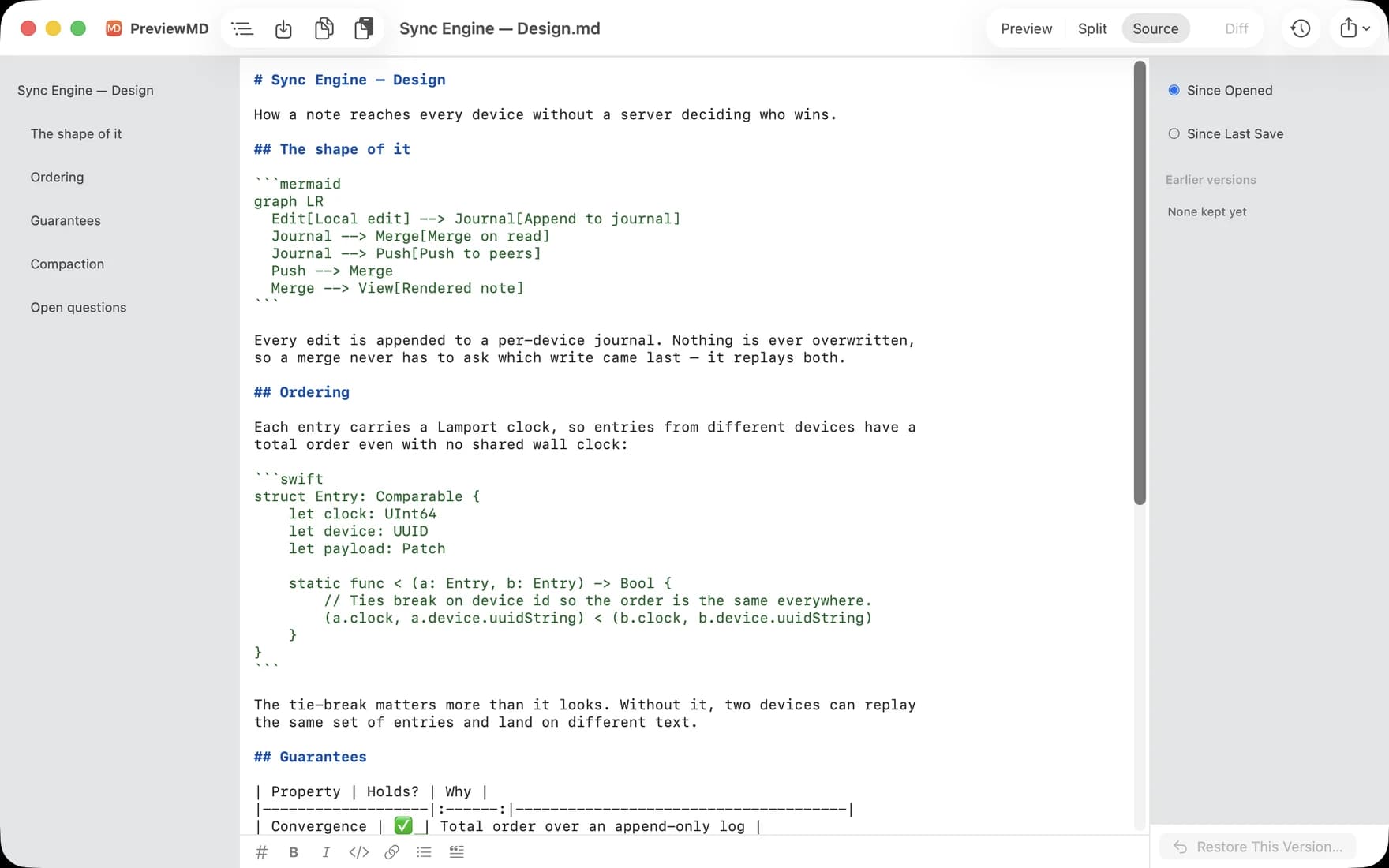
Everything a README throws at it.
Rendering matches GitHub, so the file you wrote for a repo looks the way you meant it to.
Quick Look in Finder
Press space on any .md file and read it rendered — plus document-style thumbnails in icon and gallery views. The one thing most Markdown tools on the Mac still miss.
GitHub-flavored
Tables, task lists, footnotes, strikethrough, alert callouts ([!NOTE], [!WARNING]) and :emoji:, with syntax highlighting across almost two hundred languages.
Math that typesets
KaTeX renders $inline$ and $$display$$ — fractions, integrals, matrices and aligned equations, not a picture of them.
Mermaid diagrams
Flowcharts, sequence, class, state, pie and gantt charts drawn straight from fenced mermaid blocks, in light and dark to match your screen.
Four ways to work
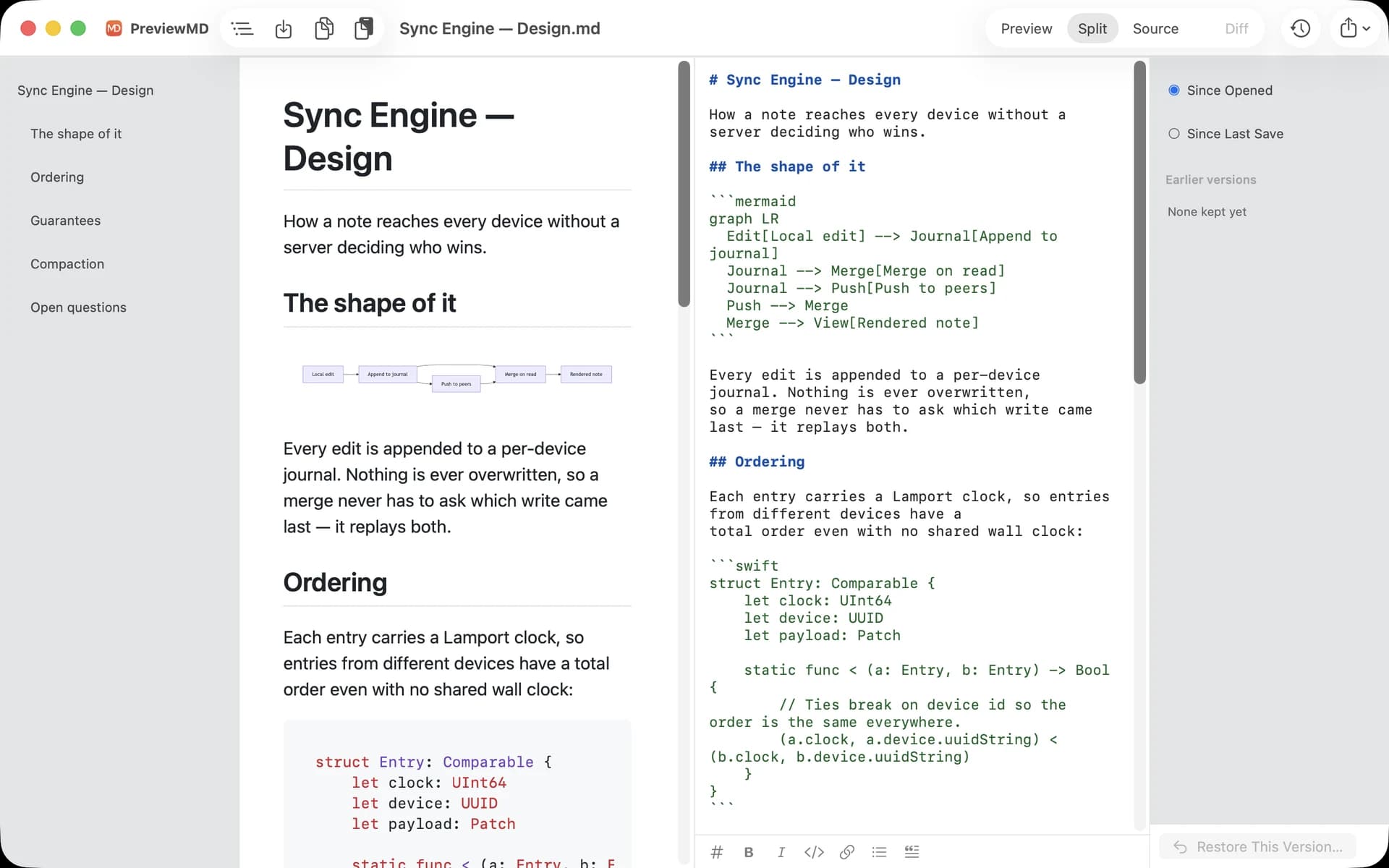
Preview to read, Split to write beside a live preview, Source for the text alone, and Diff for what changed. Switch with ⌘1–⌘4; Diff greys out when there is nothing to show.
Export and print
A self-contained HTML file, or a PDF always rendered in clean light mode whatever your screen is doing. Printing paginates properly.
The same app on all three
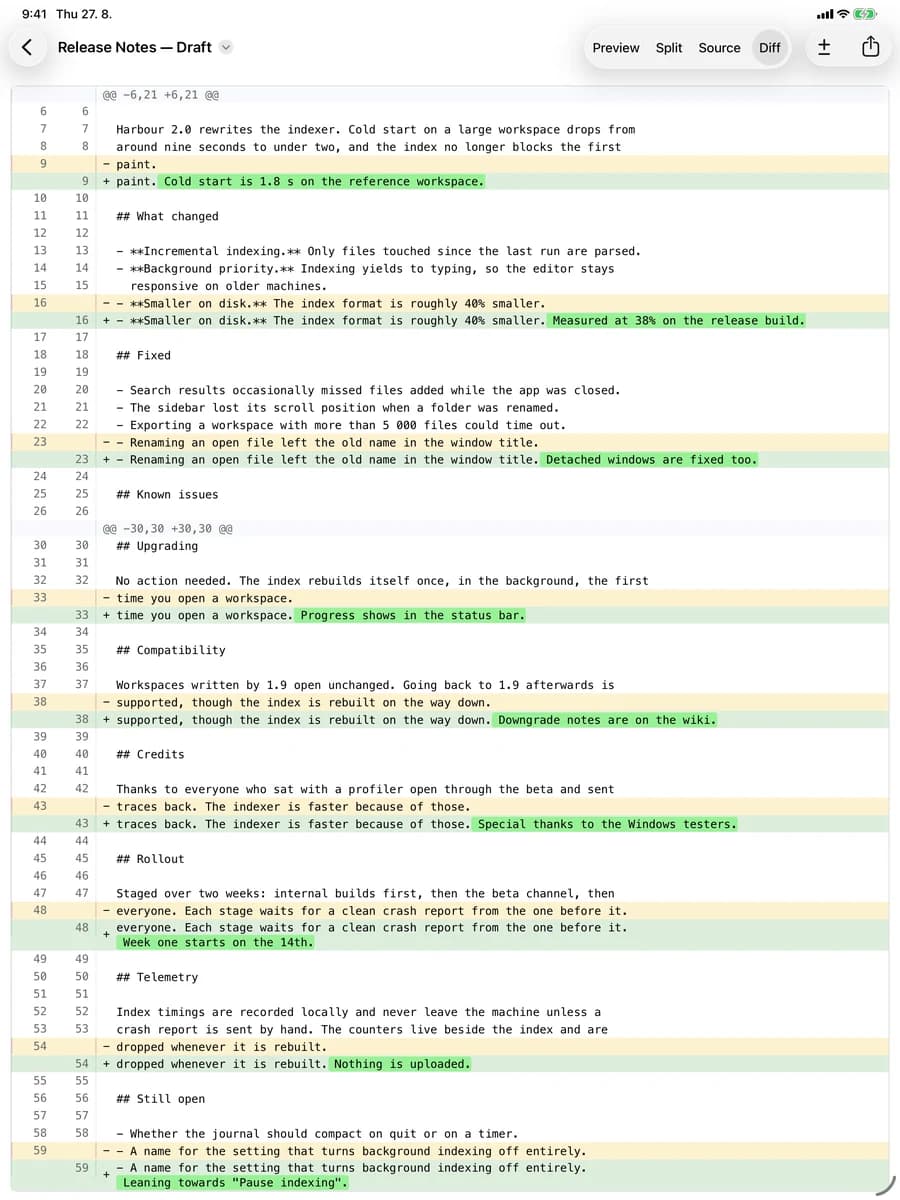
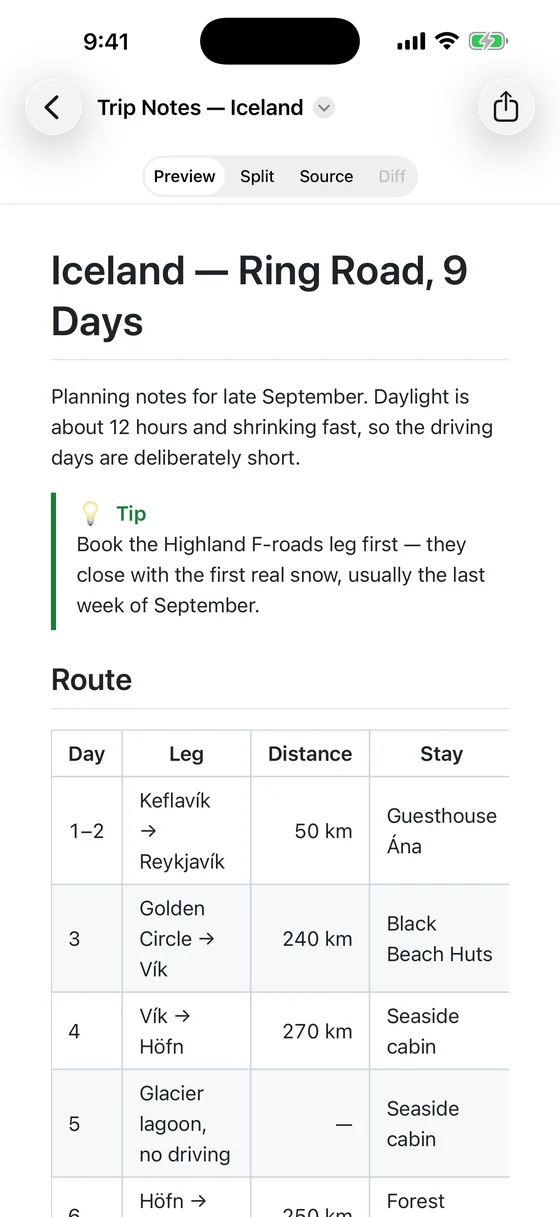
Split view on the Mac, the diff on iPad, and the rendered page in your pocket.
Every earlier draft, without a repository.
macOS already keeps revisions of your documents. PreviewMD puts them in a sidebar: pick one and the Diff view shows exactly what changed, word by word. No repo to set up, nothing to commit, no habit to keep.
- Compare against when you opened the file or the last save — and on the Mac, any revision the system kept
- Word-level highlighting, side by side or inline
- Restore an older version into the document — the file on disk only changes when you save
- Diff greys out when the document hasn't changed, so it never sends you to an empty screen
Free. Forever.
No accounts, no upgrade prompts, no usage caps.
One app for Mac, iPad and iPhone. Free on all three.
- Quick Look previews and Finder thumbnails
- Split editor, live preview, and Diff on every platform
- Math, Mermaid diagrams and code highlighting
- PDF and HTML export, paginated printing
Same app on iPad and iPhone — nothing extra to get.